




USB to SATA 3.0 Izoxis 26096 adapter
Brief Attributes
8.10€
Ex Tax: 6.69€
Delivery from supplier warehouses. We do everything possible to ensure that the goods reach you on time.
Product available
from wholesaler
Approximate Delivery Date:
5-10 darba dienas
Quantity:
10+ pcs.
This product was translated automatically
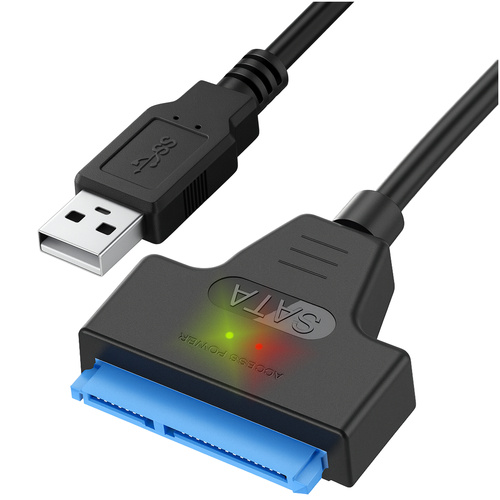
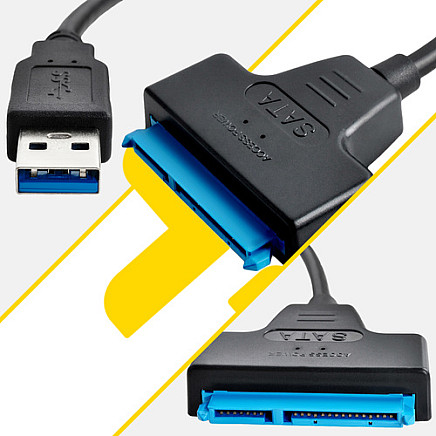
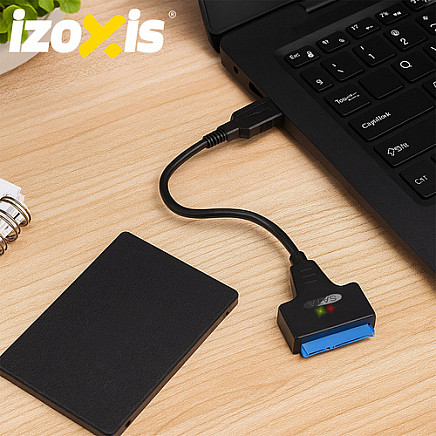
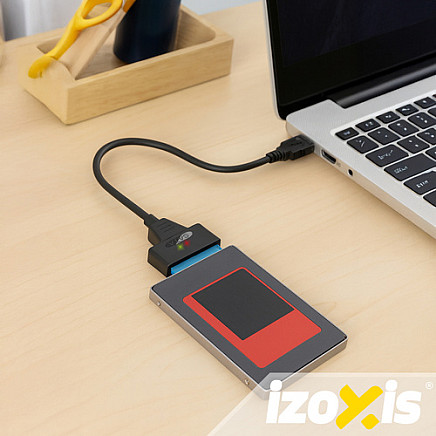
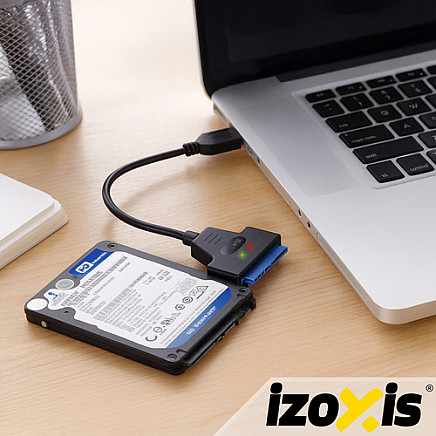
Sata USB SSD 3.0 adapter for HDD, for disk, adapter cable, 2.5 disks – Plug & Play, fast data transfer IZOXIS!
interface 3.0 – he assures fast data transfer , which significantly speeds up file copying and transfer operations
operation indicator diodes – a red LED indicates correct power supply, while a blue LED indicates disk operation, the device can be connected even while the computer is running
easy to use – the adapter is Plug and Play, no driver installation required, which allows for immediate use after connection
USB adapter specifications:
- standard: 3.0
- Compatibility: 2.0
- system: Plug & Play
- connecting optical drives to the computer: CD / DVD - ROM, COMBO, CD / DVD - RW, DVD - RAM,
- compatible with 2.5-inch HDD and SSD drives
- maximum transfer speed: 6 Gb/s
- connectors: USB / SATA - 22 pin
- Compatibility: Windows 98, SE, ME, 2000, XP, Vista, Windows 7, 8, 10, MACOS 9.X / 10.X / Linux
- chipset - fast and reliable data transfer
- two LEDs indicating operation: red, blue
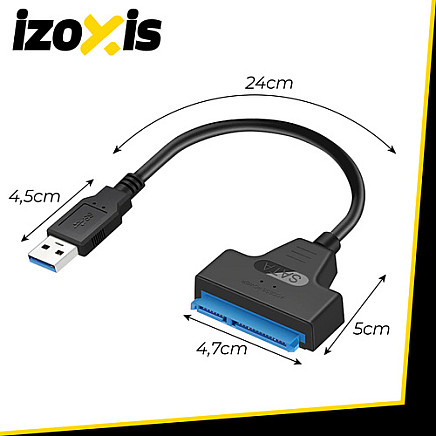
- dimensions: 33.5 x 4.7 cm
- weight: 0.020 kg
- weight in packaging: 0.037 kg
- brand: IZOXIS
- color: black
- material: ABS
Included in the set:
- adapter
- packaging